
15 Common Invoice Mistakes That Can Delay Your Payment
Apr 7, 2026 · 9 min read
An invoice can be mathematically correct and still take longer to get paid. A missing purchase-order number, vague line item, wrong client entity, or unclear due date can send the document into an exception queue. The client may need clarification, a replacement file, or approval from someone who was never copied.
The best prevention is a consistent pre-send review. This article examines 15 common invoice mistakes, explains how each one creates friction, and gives a practical correction. The goal is not to promise faster payment—many factors remain outside the seller's control—but to remove avoidable problems from your own process.
In short: Verify the billing identity, unique invoice number, agreement reference, dates, descriptions, quantities, rates, currency, adjustments, amount due, payment instructions, and exported PDF. Then send it through the client's required channel and retain the issued version.
Table of contents
- Why invoices get delayed
- 15 common invoice mistakes
- A two-pass invoice review
- What to do when an invoice is rejected
- When to use FreeGenDoc
- Frequently asked questions
Why invoices get delayed
Payment delays do not always indicate unwillingness to pay. The document may fail an automated check, reach the wrong department, conflict with a purchase order, or lack enough detail for the approver to recognize the charge.
Small clients may have informal processes, while large organizations can require supplier onboarding, exact legal names, department codes, purchase-order references, or submission through a portal. Your invoice should follow the instructions provided by that client and reflect the accepted commercial terms.
Errors also create internal work for the seller. Someone must investigate, correct, reissue, and explain the change. A short checklist is usually cheaper than that recovery process.
15 common invoice mistakes
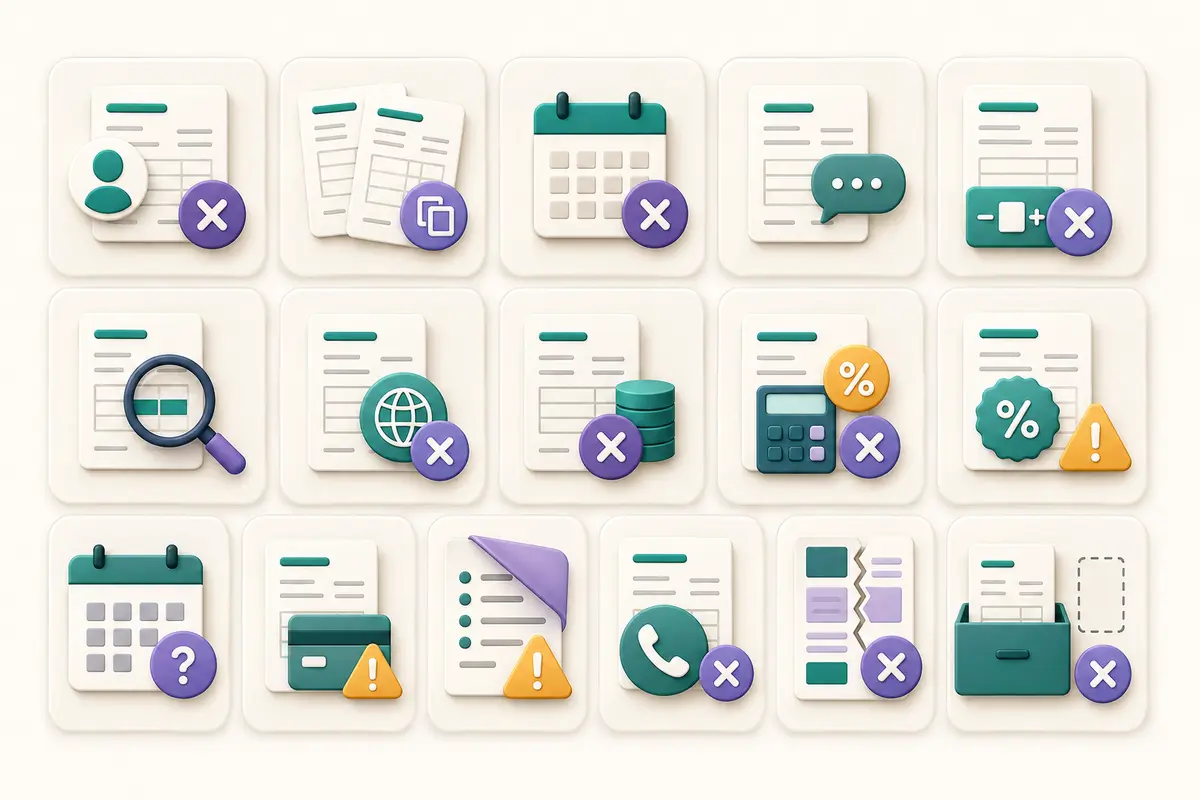
1. Using the wrong client identity
The person who requested the work may not be the entity responsible for payment. An invoice addressed to a brand name instead of the contracted legal entity may be rejected.
Fix: Copy the billing identity from verified onboarding, contract, purchase-order, or accounts-payable instructions.
2. Omitting a required purchase-order number
Some organizations cannot process an invoice without an approved purchase order or internal reference.
Fix: Ask before billing whether a purchase order is required. Confirm that the number belongs to the correct project and has enough remaining value.
3. Reusing an invoice number
Duplicate references can confuse both accounting systems and human reviewers. They also make your own records harder to reconcile.
Fix: Maintain a consistent sequence and check your issued-invoice register before assigning the number.
4. Entering the wrong issue or due date
A due date may conflict with the accepted payment terms, or a date may simply be typed incorrectly.
Fix: Derive the dates from the agreement and review the calendar. Use an explicit due date where appropriate.
5. Writing vague line-item descriptions
“Services” does not tell an approver which work is being billed. The invoice may be returned for supporting detail.
Fix: Identify the deliverable, service period, milestone, product, or project reference in concise language.
6. Billing the wrong quantity
Hours, units, images, pages, sessions, or milestones can be copied incorrectly from work records.
Fix: Compare quantities to approved timesheets, delivery records, or the accepted scope before generating the PDF.
7. Using an unapproved rate
A current rate may differ from the one accepted for this project. Applying the new rate without agreement creates a dispute.
Fix: Match the invoice to the governing quote, contract, order, or approved change.
8. Leaving the currency unclear
The same symbol can represent different currencies, and international clients may not infer your intended denomination.
Fix: State the currency clearly and follow the agreement. Confirm how exchange-rate issues are handled before billing.
9. Applying tax without verification
Tax treatment can depend on location, registration, customer type, product or service, and transaction structure.
Fix: Use official guidance or qualified advice. Do not copy tax treatment blindly from an unrelated invoice.
10. Misapplying a discount or deposit
The invoice may omit an accepted discount, fail to credit a deposit, or reduce the wrong base amount.
Fix: Reconcile adjustments against the agreement and payment records. Show them clearly enough for the client to follow.
11. Hiding the final amount due
If the total is buried among subtotals and adjustments, the payer may be unsure what to transfer.
Fix: Present the amount due with clear visual hierarchy and verify it against the line-item calculation.
12. Providing incomplete payment instructions
Missing references or unclear methods create follow-up questions. Incorrect instructions create a more serious risk.
Fix: Use verified details and include only the information necessary for the agreed method. Treat unexpected requests to change payment instructions cautiously.
13. Adding surprise payment terms
An invoice is not the right place to introduce unapproved fees, deadlines, or conditions.
Fix: Reflect the accepted terms. Negotiate changes separately and retain evidence of approval.
14. Sending an unreadable PDF
Long descriptions may overflow, page breaks can separate important information, or the file may be damaged.
Fix: Open the exported PDF, review every page, and test readability before sending it.
15. Using the wrong delivery channel
Emailing an individual may not count as submitting the invoice if the client requires a portal or accounts-payable address.
Fix: Follow the client's billing procedure and retain evidence of submission.
A two-pass invoice review
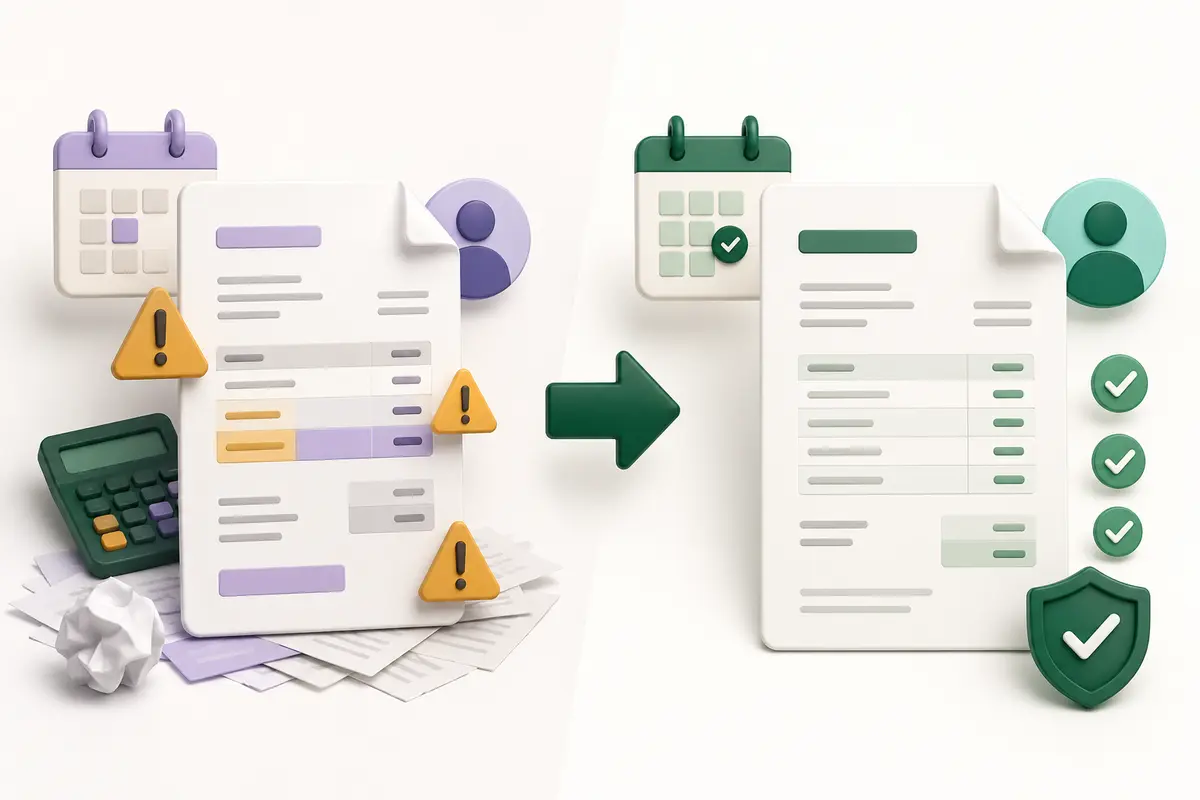
A good review separates data accuracy from visual quality.
Pass one: commercial and factual accuracy
Compare the invoice with the source documents. Confirm the seller, client, purchase order, invoice number, dates, scope, quantities, rates, adjustments, currency, taxes, payment terms, and instructions.
Do not rely only on the invoice preview. Open the accepted quote, contract, order, work log, or delivery record and check the values against it.
Pass two: document and delivery quality
Generate the PDF and inspect it as the client will receive it. Check filename, page count, spacing, line wrapping, totals, contact information, and mobile readability. Confirm the destination address or portal.
This separation prevents a visually attractive document from distracting you from a factual error.
What to do when an invoice is rejected
First, ask for the specific rejection reason. Do not change multiple fields without understanding the problem. A rejection caused by a missing purchase order requires a different response from a disputed rate.
Correct the document transparently. Preserve the original issued file and follow your normal correction or credit process rather than silently replacing records. If the invoice number must change, document the relationship between versions.
Send the corrected document through the required channel and confirm receipt. Update your records with the date, reason, and person or system involved. Repeated rejection reasons can become new items on your checklist.
If the dispute concerns scope, price, tax, or contractual terms, pause the document workflow and resolve the underlying issue with appropriate professional help when needed.
When to use FreeGenDoc
The FreeGenDoc Invoice Generator is useful when you have verified the transaction information and need a clear PDF without creating an account. The structured fields help keep seller, client, dates, items, totals, and notes organized.
Use the Quote & Estimate Generator before the work is approved, and the Payment Receipt Generator only after payment has been confirmed. Keeping those stages separate reduces ambiguity.
FreeGenDoc creates documents; it does not validate local compliance, reconcile payments, or replace an accounting system.
Frequently asked questions
What is the most common invoice mistake?
There is no universal single mistake, but incorrect billing identity, missing purchase-order references, vague descriptions, and mismatched terms frequently create avoidable questions. Track your own rejection reasons to identify the highest-impact issue for your business.
Should I change an invoice after sending it?
Do not silently overwrite an issued record. Follow an appropriate correction, cancellation, or credit process and preserve traceability. The correct method depends on the error, transaction, accounting process, and jurisdiction.
Can a client reject an invoice with the wrong purchase order?
Many organizations require an exact purchase-order reference for processing. Their internal system may reject or hold the invoice even when the underlying work was completed. Follow the client's stated submission requirements.
Does a professional design prevent payment delays?
Clear design helps the client read and process the document, but it cannot resolve incorrect data, unapproved charges, budget issues, or internal client delays. Accuracy and alignment with the agreement come first.
How can I check an invoice quickly?
Use two passes: compare the commercial data with source records, then inspect the final PDF and delivery details. A saved checklist makes this repeatable.
Final takeaway
Invoice quality is a process. Prepare accurate source information, use a structured generator, run a factual review, inspect the PDF, follow the client's submission method, and retain the issued record. These steps cannot guarantee payment timing, but they can remove many preventable sources of delay.
Related articles
- Best Free Invoice Generator for Small Businesses
- How to Create a Professional Invoice in Minutes
- What Should an Invoice Include? A Practical Checklist
Sources to verify before publication
- Official invoice correction, tax, and record-retention rules for target jurisdictions
- Client-specific supplier and purchase-order requirements
- FreeGenDoc's final production fields and privacy wording
This article is general information, not legal, tax, financial, or accounting advice.
Ready to try it yourself?
Open the tool