
Best Free Invoice Generator for Small Business Owners
Mar 23, 2026 · 11 min read
A good invoice generator should help a small business create a clear, accurate document without turning a simple billing task into another subscription or account setup. The strongest free option is not necessarily the one with the longest feature list. It is the one that matches how you work, produces a professional file, and handles your information responsibly.
For many freelancers and small teams, that means choosing a browser-based invoice generator with no sign-up, a clean PDF export, practical customization, and an easy review process. This guide explains how to evaluate those qualities, what an invoice generator can and cannot do, and how to create a document that is ready to send.
In short: The best free invoice generator for a small business is easy to use, exports a dependable PDF, clearly separates seller and client information, lets you review totals and payment terms, and does not collect more data than necessary. Always verify tax and legal requirements for your own jurisdiction.
Table of contents
- What makes a free invoice generator genuinely useful?
- Five criteria for choosing an invoice generator
- How to create a professional invoice step by step
- What information should you prepare?
- Common invoice-generator mistakes
- When should you use FreeGenDoc?
- Frequently asked questions
What makes a free invoice generator genuinely useful?
A useful invoice generator removes formatting work without hiding important billing decisions. It should help you organize the document, calculate line totals, present the amount due clearly, and export a file your client can open. It should not encourage you to send a document before reviewing names, dates, prices, taxes, discounts, and payment instructions.
“Free” also needs a practical definition. Some tools are free only for a trial, place a watermark on the exported document, require an account before download, or reserve essential fields for a paid plan. Those conditions are not automatically bad, but they should be visible before you enter business information.
Privacy is another selection factor. An invoice may include a business address, client contact details, service descriptions, and payment information. A tool that performs its work in the browser can reduce unnecessary transfers, although you should still check the provider's privacy explanation and avoid entering sensitive information that does not belong on the invoice.
Five criteria for choosing an invoice generator
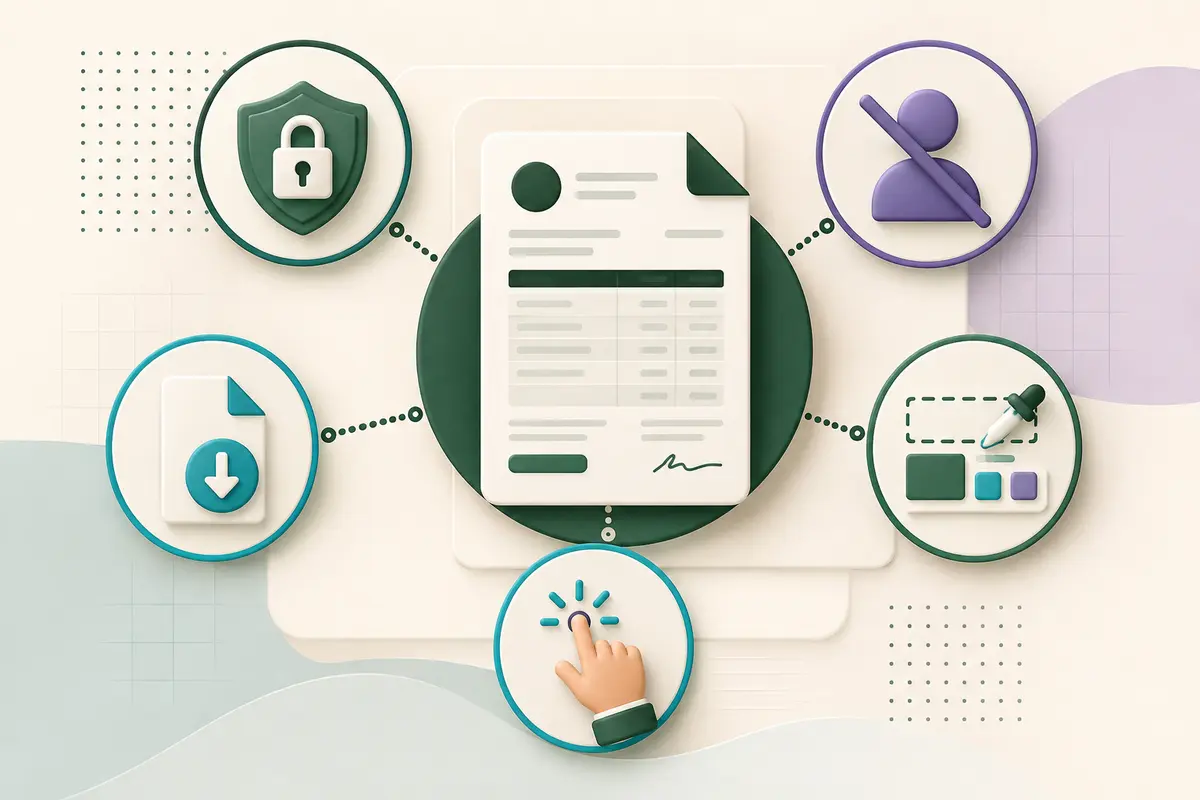
1. A clear, professional PDF export
PDF is a practical invoice format because it preserves layout across common devices and operating systems. Check whether the generated document remains readable on a phone, whether long descriptions wrap correctly, and whether totals stand out from supporting details.
The export should also look intentional. Consistent spacing, aligned amounts, a visible invoice number, and a clear amount due contribute more to professionalism than decorative graphics. A plain document that is easy to read is generally more useful than a stylish design with confusing information hierarchy.
2. No unnecessary sign-up
An account can be useful when you need cloud history, recurring billing, team access, or synchronized customer records. It is unnecessary when your goal is to create one invoice quickly and keep your own copy locally.
For occasional invoicing, a no-sign-up generator reduces friction. You can enter the details, review the result, download the PDF, and store it in your own filing system. If you need long-term bookkeeping automation, however, a dedicated accounting platform may be more appropriate.
3. Sensible privacy choices
Look for a clear explanation of how the tool processes information. Browser-based processing is valuable because document generation can happen on your device rather than requiring the finished invoice to be uploaded for conversion.
That does not remove your responsibility to protect the file after download. Store invoices in an access-controlled location, use secure sharing methods, and follow any record-retention obligations that apply to your business.
4. Enough customization for real work
A practical generator should cover the fields you actually need: seller and client details, invoice number, issue and due dates, line items, quantities, rates, taxes or discounts where applicable, notes, and payment instructions.
More customization is not always better. Too many design controls can slow down a routine task. Prioritize accurate business fields and readable output before colors, fonts, or visual effects.
5. A reliable review step
The most important feature may be the opportunity to review the invoice before download. You should be able to confirm spelling, line-item calculations, dates, currency, tax treatment, and the final amount due.
No generator can know whether the information you entered is contractually or legally correct. The tool can structure data; the business owner remains responsible for verifying it.
How to create a professional invoice step by step
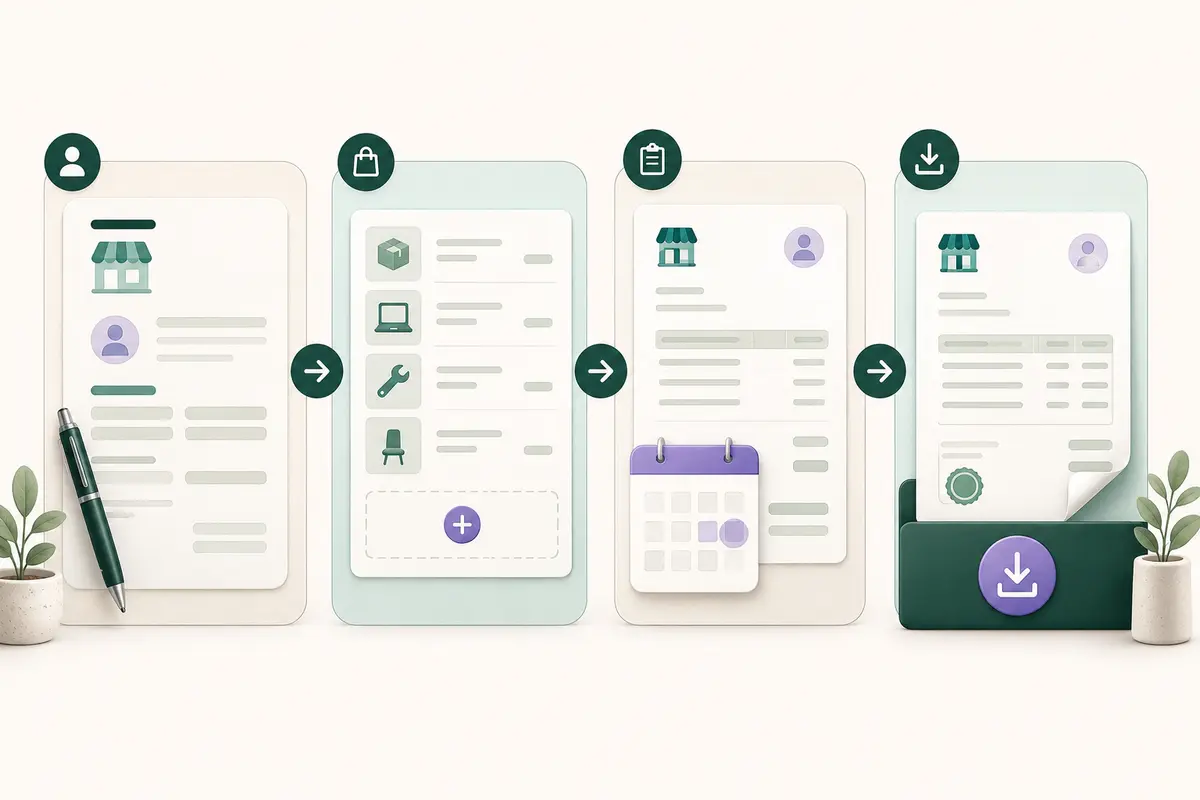
Step 1: Identify the seller and the client
Begin with the legal or trading name you use for business. Add the contact details appropriate for your situation, then enter the client's correct billing name and address. If the client gave you a purchase-order number or a required billing contact, place it in the appropriate field or note.
Avoid copying outdated information from an old invoice. A small spelling error in a company name or email address can delay internal approval.
Step 2: Assign the invoice number and dates
Use a consistent numbering system that lets you distinguish one invoice from another. The system can be simple, but each number should be unique within your records. Add the issue date and a due date that reflects your agreement with the client.
Do not choose payment terms after the work is complete if they conflict with an accepted quote or contract. The invoice should reflect the commercial terms already agreed upon.
Step 3: Describe each product or service
Use line-item descriptions that are specific enough for the client to recognize the work. “Design services” may be too broad; “Homepage wireframe and responsive layout” gives the reviewer more context.
Add quantities and rates carefully. If you charge a fixed project price, a quantity of one may be appropriate. If you bill hourly or by unit, confirm the quantity against your records before calculating the total.
Step 4: Review totals, terms, and payment instructions
Check the subtotal and any tax or discount applied. Confirm the currency and final amount due. Add concise payment instructions, but do not place sensitive credentials or unnecessary personal information on the document.
Finally, download the PDF, open it, and review the actual file rather than relying only on the form preview. Check page breaks, alignment, spelling, and the visibility of the amount due.
What information should you prepare?
Preparing the details before opening the generator makes the process faster and reduces mistakes. A practical checklist includes:
- Your business or trading name
- Your business contact details
- The client's correct billing name and address
- A unique invoice number
- Issue date and agreed due date
- Product or service descriptions
- Quantities, hours, or units
- Rates and agreed prices
- Currency
- Applicable taxes and discounts
- Payment instructions
- A purchase-order or project reference, if required
- A short note or thank-you message, if appropriate
Requirements vary by country, business structure, tax status, and transaction type. Treat this as a workflow checklist, not a universal legal checklist. Consult an appropriate official source or professional adviser when you are unsure which identifiers or tax statements must appear.
Free generator or accounting platform?
The right choice depends on the complexity of your workflow.
| Need | Browser invoice generator | Accounting platform |
|---|---|---|
| Create an occasional invoice quickly | Strong fit | Often more setup than needed |
| Avoid creating an account | Often possible | Usually not possible |
| Download and store your own PDF | Strong fit | Usually supported |
| Automatic recurring invoices | Usually limited | Stronger fit |
| Payment reconciliation | Usually unavailable | Commonly available |
| Team permissions and approval flows | Usually unavailable | Commonly available |
| Full accounting records | Not intended for this | Core purpose |
A free invoice generator is a document-creation tool, not a replacement for bookkeeping, tax filing, payment processing, or professional accounting advice. Use a larger system when you need automation and record integration rather than a single finished document.
Common invoice-generator mistakes
Choosing appearance over accuracy
A polished template cannot compensate for an incorrect client name, rate, date, or total. Review the data first and the visual styling second.
Reusing the same invoice number
Duplicate numbers make records harder to reconcile and may create confusion for both parties. Use a consistent unique sequence and keep a copy of every issued invoice.
Adding surprise terms
An invoice should not introduce payment conditions that were never agreed upon. Align due dates, rates, deposits, and late-payment language with the accepted proposal, quote, or contract.
Sending the document without opening the PDF
Always inspect the downloaded file. Long descriptions, unusual characters, or many line items can affect layout. Confirm that every page is readable.
Treating the generator as a compliance checker
Document generators organize the information supplied to them. They do not automatically verify tax registration, legal wording, local invoice rules, or the validity of payment instructions.
When should you use FreeGenDoc?
FreeGenDoc is designed for situations where you want to create a professional invoice PDF directly in your browser without opening an account. It is a practical choice for a freelancer sending an occasional invoice, a small service business producing a straightforward bill, or anyone who prefers to keep control of the downloaded file.
Open the free invoice generator when you already know the seller, client, line-item, date, and payment details. Enter the information, review the result, and download the PDF. If the transaction is still at the proposal stage, start with the quote and estimate generator. After payment, the payment receipt generator can help create a separate proof-of-payment document.
FreeGenDoc does not replace professional accounting software when you need recurring billing, integrated payments, automatic tax reporting, or multi-user records.
Frequently asked questions
Is a free invoice generator suitable for a small business?
Yes, when the business needs a straightforward document and can manage its own records. Evaluate the generator's fields, export quality, privacy explanation, and limitations. Businesses that require recurring invoices, integrated payments, accounting synchronization, or approval workflows may need dedicated invoicing or accounting software.
Can I create an invoice without signing up?
Some browser-based generators allow invoice creation and PDF download without an account. FreeGenDoc is designed for this no-sign-up workflow. Before entering information into any service, verify whether account creation, watermarks, export restrictions, or paid upgrades apply.
Is a generated PDF automatically legally compliant?
No. A PDF can be professionally formatted while still missing information required in a particular jurisdiction or transaction. Invoice requirements can depend on country, tax registration, industry, business structure, and customer type. Verify applicable obligations using official guidance or qualified professional advice.
Should an invoice include payment details?
It should tell the client how to pay using information appropriate for your agreed method. Avoid adding unnecessary sensitive data. Review the file carefully before sending it and use secure delivery and storage practices.
What is the difference between an invoice and a receipt?
An invoice requests payment and normally describes what is owed, while a receipt records that a payment occurred. A quote or estimate generally appears earlier and describes proposed work or pricing before the invoice stage.
Can an invoice generator replace accounting software?
Not usually. An invoice generator creates a document. Accounting software may also maintain ledgers, reconcile payments, calculate reports, support recurring billing, and connect transactions across a business. Choose according to the workflow you actually need.
Final checklist
Before sending an invoice, confirm the client identity, invoice number, issue and due dates, line items, quantities, prices, currency, taxes, discounts, amount due, and payment instructions. Open the exported PDF and check its layout. Save a copy in your own records.
When you are ready, use the FreeGenDoc Invoice Generator to create and download a clear invoice PDF without signing up.
Related articles
- How to Create a Professional Invoice in Minutes
- Quote vs Invoice vs Receipt: What Is the Difference?
- 15 Invoice Mistakes That Can Delay Your Payment
Sources to verify before publication
- Official invoicing and tax-document requirements for the countries targeted by the article
- FreeGenDoc's final public privacy wording and local-processing statement
- The exact fields and export behavior of the production Invoice Generator
This article provides general information and is not legal, tax, financial, or accounting advice. Requirements vary by jurisdiction and business circumstances.
Ready to try it yourself?
Open the tool